
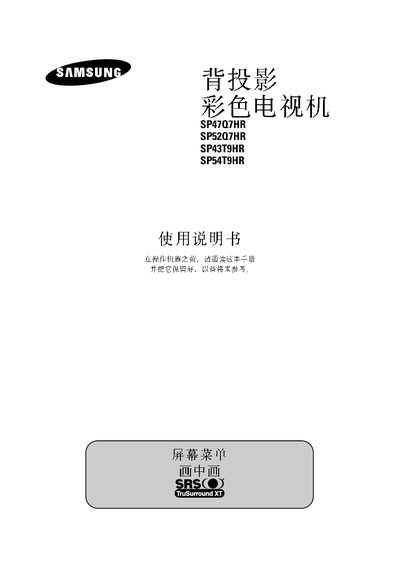
The document contains the model information of four products: SP47Q7HR, SP52Q7HR, SP43T9HR, SP54T9HR. Please provide more details based on the document.
The manual begins with safety instructions, warning users not to expose the television to water or moisture and to avoid fire‑hazard situations. It also outlines proper handling of power cords and cautions against improper installation that could void the warranty.
Subsequent sections describe the front control panel functions, how to select input sources, and detailed external connection terminals for video, audio, and DVI inputs. The guide also covers picture settings such as the Digital Natural Image Engine (DNIe) and provides troubleshooting steps and after‑sales service information. This manual is written in Chinese.
| Model numbers | SP4707HR, SP5207HR, SP43T9HR, SP54T9HR |
|---|---|
| Production license | XK09-201-2031 |
Do not expose the television to water or moisture, keep it away from fire‑hazardous environments, and ensure power cords are not tangled.
Use the side panel connectors for video inputs such as S‑Video, component, DVI, and PC video, as shown in the external input connections section.
Contact the retailer or service center; the manual lists the manufacturer’s address, phone number, and production license details.