
This is a user manual for Samsung SCH-X889 mobile phone. It mainly introduces the functions and usage methods of the phone.
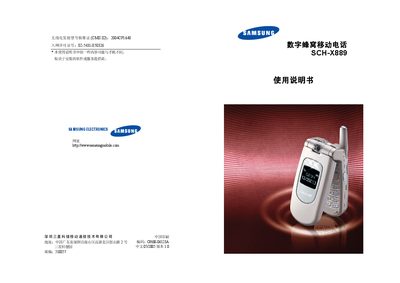
This manual covers the basic operation of the Samsung SCH‑X889 mobile phone, including how to power the device on and off, insert the UIM card, and navigate the menu using the keypad. It explains the various input methods, menu functions, and the layout of the phone's hardware components.
Safety information is emphasized throughout, with warnings about using the phone while driving, near flammable materials, or in aircraft, as well as instructions for emergency calls, proper battery handling, and the requirement to use only Samsung‑approved accessories and chargers. This manual is written in Chinese.
| Water resistance | None (not waterproof) |
|---|---|
| Battery | Samsung proprietary battery required |
| Charger | Samsung proprietary charger required |
No, the phone is not waterproof and should be kept dry.
Enter the local emergency number and press the call key; provide accurate information and do not hang up prematurely.
Using non‑Samsung accessories may damage the phone and could be dangerous; only Samsung‑approved accessories should be used.
No, you should not use the phone while driving; stop the vehicle before making or receiving calls.