
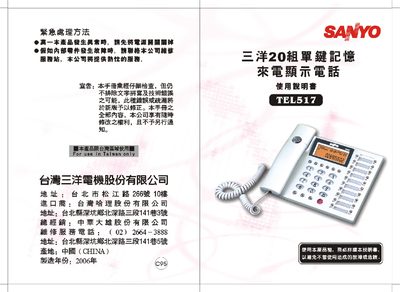
This manual provides step‑by‑step instructions for installing the Sanyo TEL517 telephone, connecting it to the telephone network, and inserting the required three AA batteries. It also explains the basic operation of the handset, including making and receiving calls, using the single‑key memory and caller‑ID functions.
Additional sections cover detailed setting adjustments (LCD brightness, tone, anti‑theft lock), troubleshooting common issues, safety warnings, and product specifications such as leakage current and audio frequency response. This manual is written in Chinese.
| Low‑frequency group frequency | 852 Hz ±1.2 % |
|---|---|
| High‑frequency group frequency | 1336 Hz ±1.2 % |
Open the battery compartment, insert three AA batteries with correct polarity, and close the compartment. Replace the batteries promptly if the display becomes dim or the caller‑ID stops working.
In standby mode press the “保留/亮度” key repeatedly; each press moves the backlight to the next of the five brightness levels. The current level is shown on the LCD.