
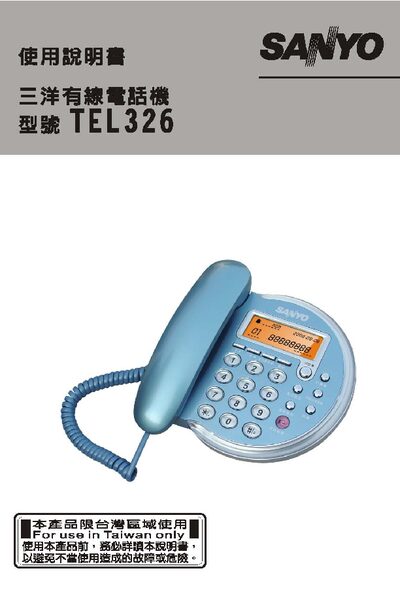
This manual provides detailed instructions for installing, configuring, and operating the Sanyo TEL326 wired telephone. It covers features like caller ID, ringtone settings, call forwarding, and clock settings. The guide also includes troubleshooting tips and safety precautions for proper use.
The telephone supports FSK/DTMF dual modes, 30 caller ID entries, and 10 outgoing call entries. It features a backlit LCD screen, tone-based ringtones, and customizable settings for do-not-disturb, call waiting, and call blocking. Installation requires three AAA batteries and connection to a telephone line. This manual is written in Chinese.
| Ringtone Type | FSK/DTMF dual mode |
|---|---|
| Caller ID Entries | 30 |
| Outgoing Call Entries | 10 |
| Ringtones | 9 melody + 1 built-in |
| Display | Backlit LCD |
| Area Code Setting | Yes |
| Ring Volume Adjustment | 4 levels |
The default setting is 'OFF' (disabled). Call blocking is not needed for home use and can be enabled if desired.
In standby mode, press 'Temporary/Setting' then '7' to adjust LCD brightness.