
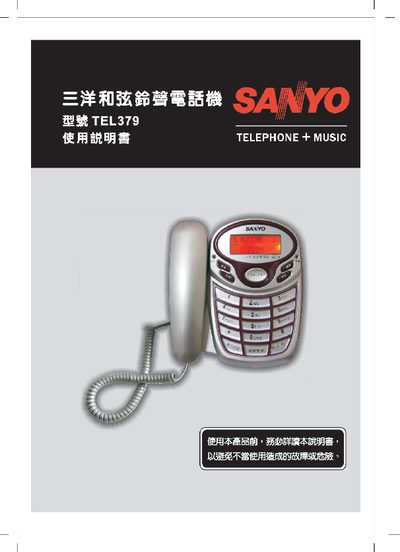
This manual provides step‑by‑step instructions for installing and using the Sanyo TEL379 telephone. It includes safety precautions, emergency handling, battery installation, power‑supply options, and detailed function settings such as date/time, call‑log and special features.
The document also lists technical specifications, warranty information and contact details for service centers in Taiwan and China. Users are guided on how to replace batteries, configure the device, and troubleshoot common issues. This manual is written in Chinese.
| Power supply (adapter) | DC9V/150mA (inner +, outer -) |
|---|---|
| Battery type | Three AAA (三号) batteries |
| Manufacture year | 2005 |
| Country of origin | China |
Enter standby mode, press the "1" key, then press the "暂切/设定" key to access the date/time setting, input the year, month and day, and confirm with the same key.
Open the battery compartment, insert three AAA (三号) batteries observing correct polarity, then close the compartment. Use high‑capacity batteries for frequent use.
The device can be powered either by an external DC9V/150mA adapter (inner positive, outer negative) or by three AAA batteries.