
This document is a user manual for Sun product number 875-4243-1122 22-inch widescreen LCD flat panel monitor WBZF. The document includes safety instructions, installation, cleaning, other, China RoHS, etc. It also includes sections on disassembly, settings, OSD menu, troubleshooting, specifications, data, etc.
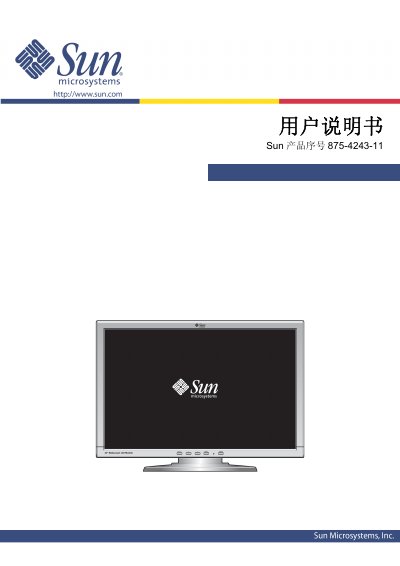
This manual provides safety instructions, installation steps, cleaning guidelines, and detailed operation procedures for the Sun WBZF 22‑inch LCD level‑surface display. It includes sections on OSD menu navigation, height and angle adjustments, and troubleshooting tips.
Key specifications such as screen size, pixel pitch, resolution, power consumption, VESA mounting, and environmental limits are listed in the specifications section, helping users configure the monitor for optimal performance. This manual is written in Chinese.
| Screen size | 22 inches (diagonal) |
|---|---|
| Display area | 473.8 mm (W) × 296.1 mm (H) |
| Pixel pitch | 0.282 mm |
| Resolution (best) | 1680 × 1050 @60 Hz |
| Maximum power consumption | 55 W |
| VESA mounting interface | 100 mm × 100 mm, 4‑hole |
| Operating temperature | 10 °C – 40 °C |
| Storage temperature | -20 °C – 45 °C |
Wipe the LCD surface with a slightly damp soft cloth or a dry soft cloth; do not use any chemical cleaners.
Immediately unplug the power and contact an authorized dealer for service.
The manual recommends using 1680 × 1050 @60 Hz as the optimal resolution.