
This manual describes how to use your FUJIFILM FinePix J27, J28, J29, J30, J32, J37 or J38 digital camera and the supplied software.
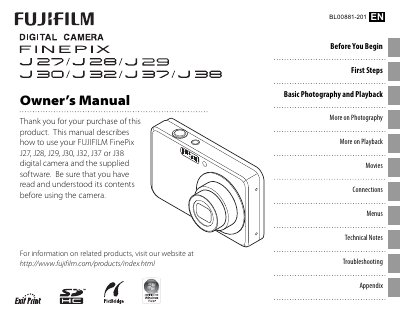
This manual provides step‑by‑step instructions for using the Fujifilm FinePix J27, J28, J29, J30, J32, J37 and J38 digital cameras. It includes guidance on basic setup, shooting modes, playback functions, movie recording, and connecting the camera to a TV or computer.
Technical specifications, battery information, accessories, and safety warnings are detailed in later sections, along with a comprehensive troubleshooting guide and glossary of terms.
| Shutter speed | ¼ s–1/1,400 s (AUTO); 8 s–1/1,400 s (other modes) |
|---|---|
| Dimensions (W×H×D) | 92.0 mm × 55.9 mm × 20.0 mm |
Use the Date and time setting in the Setup menu to adjust the clock.
Approximately 165 frames can be captured with a fully‑charged NP‑45A battery.
Select the Flash mode and set it to off in the Shooting menu.