
This is a user manual for a digital camera, which details the camera's various functions and usage methods.
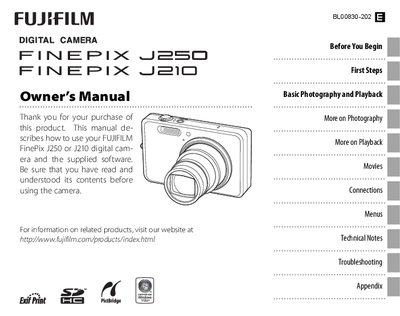
This manual explains how to set up and operate the Fujifilm FinePix J250 and J210 digital cameras. It includes instructions for charging the battery, inserting memory cards, navigating menus, selecting shooting modes, and using playback features.
The guide also provides detailed information on camera functions such as flash operation, self‑timer, picture stabilization, intelligent face detection, and troubleshooting common error messages. Appendices cover accessories, software installation, and legal notices.
| Battery type | NP-45 rechargeable battery |
|---|---|
| Battery charger | BC-45A battery charger |
| LCD monitor size | 3.0‑inch |
| Secondary LCD size (J210) | 2.7‑inch |
Select the Date and time option in the Setup menu (see page 13).
Adjust the operation and shutter volume setting in the Setup menu (see page 74).