
This document is the user manual for FINEPIX JX420-JX440 FINEPIX JX370-JX390 FINEPIX JX330-JX335 FINEPIX JX290-JX295 digital cameras. It introduces the use of the camera and precautions.
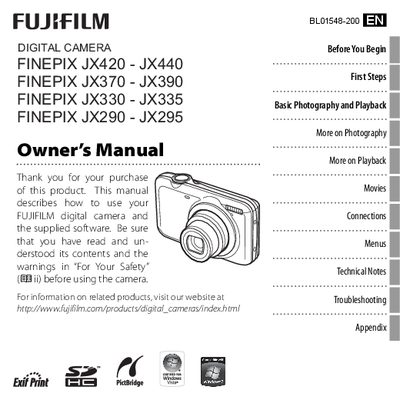
This Owner's Manual provides detailed instructions on the operation of Fujifilm FinePix JX series digital cameras and their supplied software. It covers essential setup, photography techniques, and playback functions.
The document includes comprehensive safety guidelines regarding power sources, installation, and battery usage to ensure the safe operation of the device.
Unplug the product from the wall outlet and use a damp cloth; do not use liquid or aerosol cleaners.
Turn the camera off, remove the battery, and disconnect and unplug the AC power adapter.
Do not use the camera in the bathroom or shower.
Turn the camera off, remove the battery, and disconnect and unplug the AC power adapter.