
This is a Lenovo laptop user manual, which contains information about the machine's hardware configuration, software configuration, and usage instructions
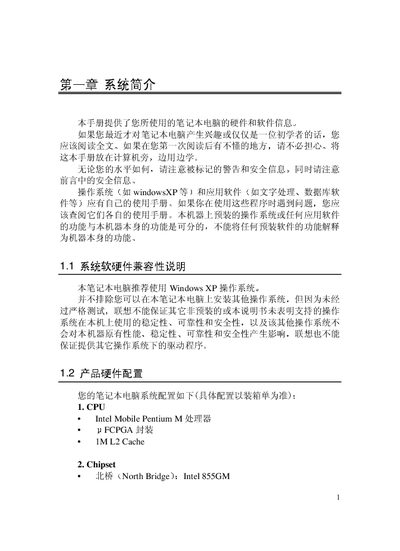
This manual provides hardware and software information for the Lenovo E255 notebook, including safety warnings, system compatibility, and detailed component descriptions. It covers the recommended operating system, CPU, chipset, memory, storage, display, ports, and power specifications.
The guide also includes quick‑start instructions, diagrams of the laptop’s front, rear, side, and bottom views, and a service support section with troubleshooting steps for battery, LCD, and network issues, plus contact information for Lenovo certified service centers. This manual is written in Chinese.
| CPU | Intel Mobile Pentium M |
|---|---|
| L2 Cache | 1 MB |
| North Bridge Chipset | Intel 855GM |
| South Bridge Chipset | Intel ICH4M |
| Memory (onboard) | 128 MB DDR SDRAM |
| Maximum Memory Expansion | 512 MB |
| Hard Drive | 2.5‑inch laptop HDD |
| Display Size | 14.1‑inch LCD TFT |
| Display Resolution | 1024 × 768 |
| Video Memory (shared) | 4 / 8 / 16 / 32 MB |
| Keyboard | 87‑key Windows keyboard |
| USB Ports | 4 × USB 2.0 |
| Ethernet Port | 1 |
| Modem | 56 Kbps FAX/MODEM |
| Battery | Li‑Ion 4000 mAh |
| Power Adapter | 19 V 3.16 A |
| Weight | 2.5 kg |
| Dimensions | 310 × 259 × 25‑33 mm |
The manual recommends using Windows XP with the Lenovo E255 notebook.
The laptop provides four USB 2.0 ports.
It uses a Li‑Ion battery with a capacity of 4000 mAh.
The notebook weighs approximately 2.5 kg.