
Seagate FreeAgent GoFlex Pro Quick Start Guide for connecting the drive, installing software, and using the portable storage solution.
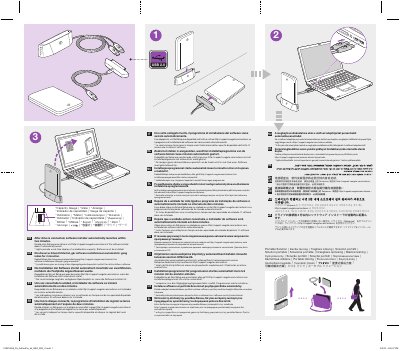
This Seagate FreeAgent GoFlex Pro Quick Start Guide explains how to connect the ultra-portable drive and start the software installer. After the drive is connected, the installer launches automatically within two minutes, or users can double-click Setup.exe or visit http://support.seagate.com/autorun.
The multi-language guide also describes the drive capacity indicator lights and directs users to Seagate support pages for installation help, the knowledge base, downloads, warranty information, and safe removal procedures.
| Capacity indicator | Real-time display via lights |
|---|---|
| Installer launch time | Within two minutes after connection |
Double-click Setup.exe on the drive or visit http://support.seagate.com/autorun if it does not launch automatically.
They show the available drive capacity in real time.
Yes, the software must be installed.