
This document introduces the features of Lenovo ET360 device, including supported video formats, system requirements, software functions, etc.
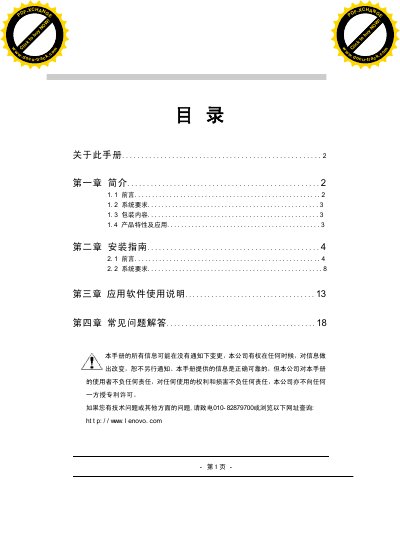
This manual covers the Lenovo ET360 USB PC Camera, describing its hardware specifications, supported operating systems, and video output capabilities. It includes step‑by‑step installation guidance, driver setup, and configuration of video formats and color spaces.
The document also lists system requirements, such as CPU speed and memory, and provides troubleshooting tips for Windows 98/ME/2000/XP environments. Technical details like supported resolutions, frame rates, and compression formats are included for users who need to integrate the camera into their applications. This manual is written in Chinese.
| CPU | 733 MHz |
|---|---|
| Supported OS | Windows 98 SE, Windows ME, Windows 2000, Windows XP |
| Maximum Resolution | 640 × 480 pixels |
| Video Formats | BMP, JPG, AVI |
| Frame Rate (640×480) | 5‑15 fps |
| Frame Rate (352×288) | 30 fps |
The camera works with Windows 98 SE, Windows ME, Windows 2000, and Windows XP.
It supports 640 × 480 pixels at 5‑15 fps and 352 × 288 pixels at 30 fps.
The camera supports RGB 24 color space and I420 compression.