
This document introduces some basic knowledge about getting started with a camera, including the items in the packaging box, system requirements, general precautions, camera component names, and installation of accessories. It also provides steps for preparing to take photos, such as installing the battery, turning on the camera power, setting the date and time, and setting the prompt sound.
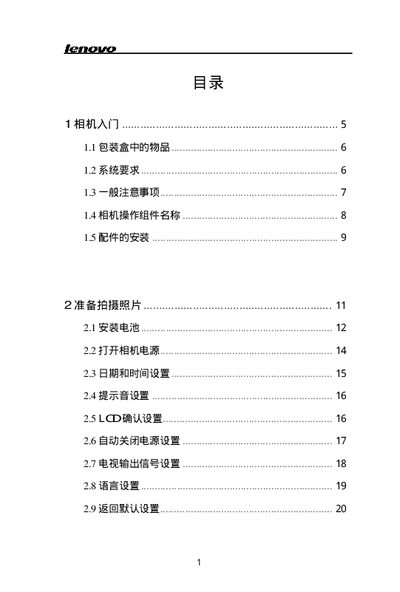
This guide introduces the basic operation of the digital camera, starting with the items included in the box, system requirements and safety precautions. It walks the user through installing the battery, powering on the device, configuring language, date, time, LCD settings, and video output.
Further sections explain how to use storage cards, select shooting modes, adjust exposure, focus, and flash, as well as how to view, delete, and protect photos. The guide also covers connecting the camera to a TV or computer, installing drivers and software, and provides a troubleshooting reference and technical specifications. This manual is written in Chinese.
| Maximum effective pixel count | 3.14 MP |
|---|---|
| Image sensor | 330 MP CCD |
| Maximum resolution | 2048 × 1536 |
| Lens focal length | 5.69 – 16.29 mm |
| Maximum aperture | F2.6 – 4.9 |
| LCD screen | 1.5‑inch TFT |
| ISO sensitivity | 100, 200, 400, AUTO |
| Shutter speed range | 1/2000 – 8 s |
| Storage media | SD card |
| Battery type | 2 × AA |
| Weight (without battery) | ≈170 g |
| Dimensions (W × H × D) | 107 × 35 × 63 mm |
Open the battery compartment and insert the two AA batteries as shown in section 2.1.
The camera stores images on an SD card.
The camera can capture images up to 2048 × 1536 pixels.