
This document is the user manual for the V21C camera, which introduces the precautions and basic operations of using the camera, including installing batteries, taking photos, recording videos, etc. It also introduces advanced operations and settings, as well as methods for transferring photos and videos from the camera to a computer. Finally, it includes troubleshooting and some other information.
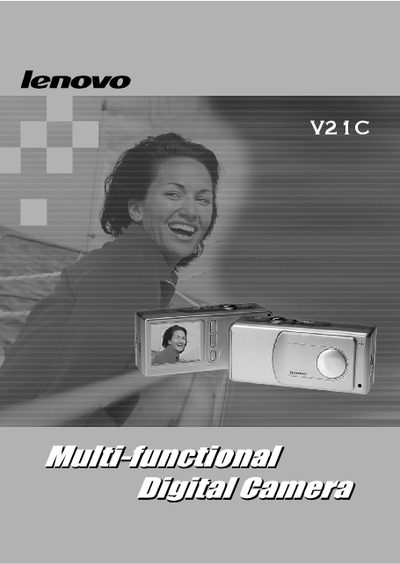
This manual provides instructions for setting up and operating the V21C camera. It describes the main menus, button functions, and how to manage recordings and live view.
The guide also lists technical specifications such as supported image resolution, video format, and USB interface, helping users understand the camera's capabilities and compatibility.
| Maximum image resolution | 1600 x 1200 |
|---|---|
| Video format | Motion JPEG |
Press the MENU/OK button to open the camera's menu system.
The camera supports a maximum resolution of 1600 × 1200 pixels.