
This document is an installation guide for an inkjet printer. It provides instructions for installing the printer, safety precautions, and information about the product.
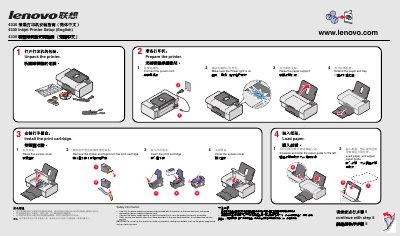
This guide provides safety instructions, hardware setup steps, and software installation procedures for the Lenovo 4330 inkjet printer. It covers connecting the power cord, loading the ink cartridge and paper, and preparing the printer for use.
The document also includes a troubleshooting section that addresses common issues such as a non‑lit power indicator and software installation problems, with clear step‑by‑step solutions and supported operating system information. This manual is written in Chinese.
| Supported operating systems | Windows 98, Windows 2000, Windows XP |
|---|
The printer software supports Windows 98, Windows 2000, and Windows XP.