
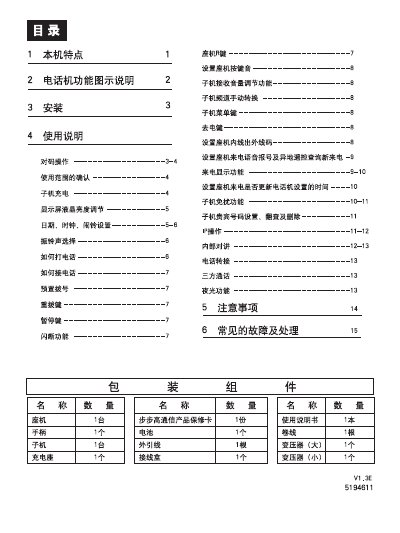
The manual describes the main features of the BBK telephone, including its function diagram, incoming call display, and handset disturbance‑free settings. It also covers internal intercom usage and IP‑phone capabilities.
Detailed usage instructions explain how to store IP numbers, make internal calls to handsets, and handle incoming external calls while using the intercom. The guide includes step‑by‑step procedures for menu navigation, number entry, and call handling. This manual is written in Chinese.
| Minimum phone number length | 6 digits |
|---|---|
| IP phone support | Supported |
Press the MENU key, then repeatedly press *4 or the designated key until the EIE icon flashes, then press the confirm key to enter the IP number and save it.