
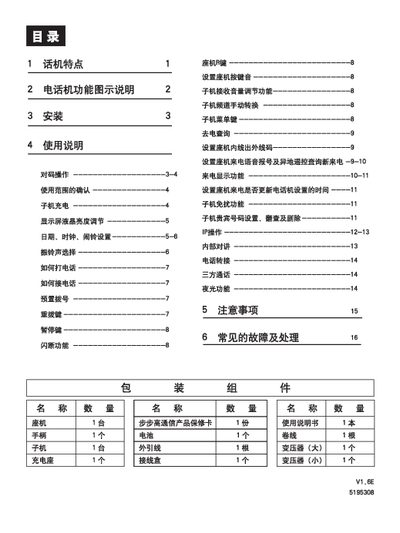
The BBK telephone system includes a base (座机) and one or more sub‑phones (子机). The manual explains how to install the base, connect the power transformer (BBG‑T‑07), set up the charging dock, and configure basic features such as date, time, and ringtone selection.
It also covers everyday use – making and receiving calls, three‑way calling, dialing shortcuts, and how to adjust LCD brightness, volume, and alarm settings. A troubleshooting section lists common problems like no ringing, noise, and battery issues, with step‑by‑step remedies. This manual is written in Chinese.
| Emission power (base) | <20 mW |
|---|---|
| Operating temperature | -10 °C to +40 °C |
| Operating frequency | 45 MHz / 48 MHz (20 channels) |
| Power supply | 9 V 50 Hz AC via dedicated transformer |
| Battery type | Rechargeable battery |
Press and hold the sub‑phone’s “子机1” key on the base until a prompt tone sounds, then press and hold the sub‑phone’s “对码/音量/退出” key until both units emit confirmation tones; the display will flash indicating successful pairing.
Enter the settings menu with the 【设置/IDD】 key, then use the up/down keys to navigate to the brightness option and adjust it before confirming with the 【设置/IDD】 key.
In standby, press 【设置/IDD】 until “SET DATE” appears, then use the up/down keys to set year, month, day, hour and minute, confirming each step with 【设置/IDD】.