
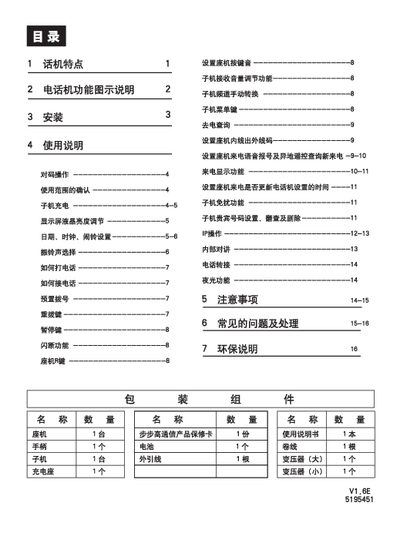
The BBK telephone system consists of a base unit (座机) and a cordless handset (子机). The manual explains how to install the base, connect it to the telephone line, and set up the charging dock and power supply. It also covers configuring date, time, alarm tones, display brightness, and other user preferences.
Detailed usage instructions cover making and receiving calls, dialing methods, handset charging, battery maintenance, and how to handle common issues such as interference, low battery warnings, and display problems. Safety guidelines and environmental compliance information are also included. This manual is written in Chinese.
| 发射功率 (座机) | <20mW |
|---|---|
| 工作频率 | 45/48MHz (20信道) |
| 相对湿度 | 10%~95% |
| 座机免提通话最大不失真功率 | >90mW |
| 电源 (座机) | 9V 50Hz AC |
Pick up the handset or press the hands‑free button, wait for the dial tone, then dial the number. Hang up by returning the handset or pressing the hands‑free button.
Insert the rechargeable battery, place the handset on the charging dock for 10–15 hours; the indicator light will be on while charging.
Press the Settings key in standby, select “SET DATE”, then use the up/down keys to set year, month, day, hour and minute, confirming each step with the Settings key.