
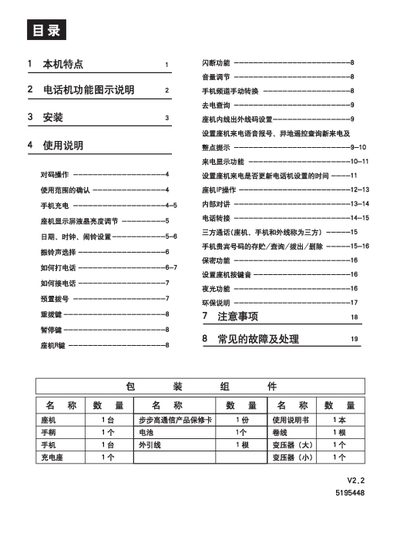
This manual provides step‑by‑step instructions for installing the BBK telephone system, pairing the handset with the base unit, and configuring features such as LCD brightness, ringtone selection, date/time, and alarm settings. It also covers safety guidelines, power requirements, and recommended installation environments.
Additional sections describe common fault symptoms and their remedies, including low‑battery warnings, line interference, and how to reset the device after power loss. Technical specifications for RF emission, frequency bands, and display parameters are listed at the end of the document. This manual is written in Chinese.
| Base unit emission power | 20 mW |
|---|---|
| Handset emission power | <20 mW |
| Operating frequency | 45/48 MHz (20 channels) |
| LCD brightness levels | 8 levels |
In standby mode, press the brightness key repeatedly; the display will show “LCD X”, where X indicates the current level. The device supports eight brightness levels.
In standby mode, press the “SET/IDD” key to enter the date‑time menu; the screen will show “SET 1 DATE”. Use the up/down keys to adjust year, month, day, hour and minute, confirming each step with the “SET/IDD” key.