
This is a quick start guide introducing the features and characteristics of LED Backlight TV X46-5000 / X55-5000 Series.
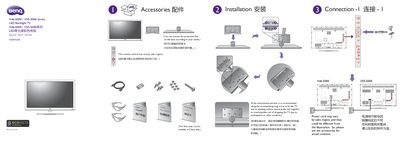
This quick start guide provides essential setup information for the BenQ X46-5000 and X55-5000 series LED backlight televisions. It lists included accessories, explains installation steps, and details connection procedures for power and other cables.
The guide also describes the control panel and power switch location, noting that the hard power switch under the screen must be turned on for the TV to receive power. The remote control and power cord may vary by sales region.
| Model | X46-5000 / X55-5000 Series |
|---|---|
| Product Type | LED Backlight TV |
Connect the supplied power cord; note that the power cord may vary by sales region and could differ from the illustration.
The hard power switch is located under the screen (as indicated by an arrow) and must be turned on for successful power connection.