
This document is issued by BenQ Mobile GmbH & Co. OHG and provides information about their mobile phone product S68, including its features and characteristics.
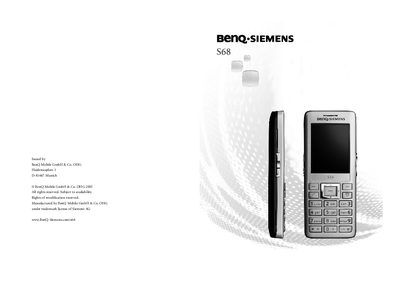
This manual explains how to safely use the BenQ S68 mobile phone, covering safety notices, proper handling of the battery and SIM card, and legal usage restrictions. It also details the phone’s hardware layout, button functions, and display symbols.
The guide walks users through preparation steps, powering the device on and off, entering PIN codes, and using core features such as calls, messaging, internet access, alarms, and Bluetooth connectivity. Additional sections cover maintenance, product specifications, and regulatory information. This manual is written in Chinese.
Press and hold the B key (Power/On‑Off key) to power on the device.
Place the SIM card face down in the slot, then gently press it until it is fully inserted.
The phone should be kept at least 20 cm away from a pacemaker.
Connect the charger to the phone’s bottom and plug it into a power outlet for at least 2 hours.