
This document is the user manual for CASIO digital camera Ck, which introduces the precautions, accessory list, and usage instructions of the product. The document also mentions the characteristics of the LCD display screen and the steps for test shooting.
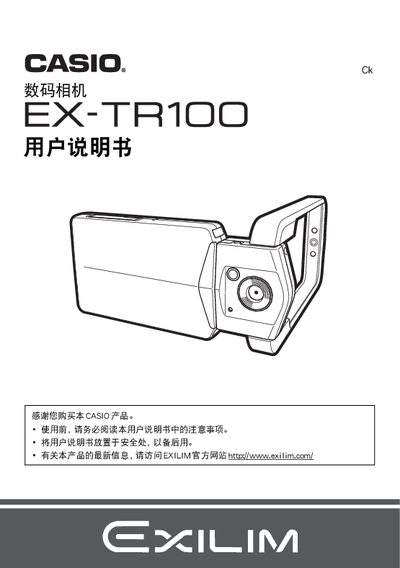
This manual guides users through unpacking the EX-TR100, checking included items, and preparing the camera for first use, including charging the battery and inserting a memory card. It also explains basic camera functions such as power on/off, screen navigation, and quick-start shooting modes.
Further sections cover advanced features like Best Shot, HDR, high‑speed continuous shooting, face detection, touch‑screen shutter, and connectivity options for Windows and Macintosh computers, as well as Eye‑Fi wireless SD card transfer, HDMI output, and troubleshooting tips. This manual is written in Chinese.
| Input Power | 100‑240 V AC, 50/60 Hz, 100 mA |
|---|---|
| Output Power | 5.0 V DC, 650 mA |
| Operating Temperature | 5 °C to 35 °C |
| Dimensions (W×H×D) | 53 mm × 21 mm × 45 mm |
| Weight | ≈ 379 g |
Charge the battery before using the camera.
Select the format (initialization) option in the camera menu to format a new memory card.