
This document is an instruction manual for the Panasonic PT-U1X87A/PT-U1X67A/PT-U1S87A projector, describing its features and settings.
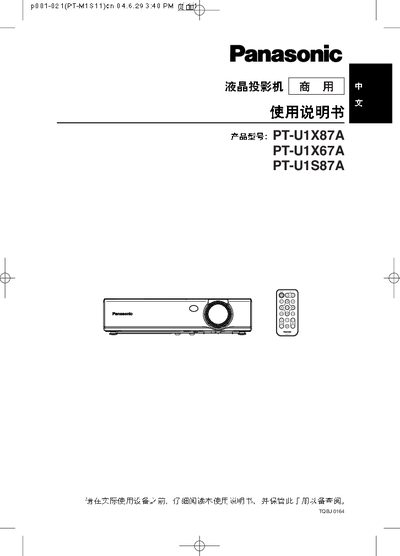
The manual provides instructions for operating the Panasonic PT-U1X87A, PT-U1X67A, and PT-U1S87A projectors. It describes the front‑panel controls such as FREEZE, SHUTTER, INDEX WINDOW, VOLUME, D.ZOOM, AUTO SETUP, VIDEO INPUT selection, POWER, and the RGB MENU.
Technical details include the RS‑232C serial interface (600 bps, 8‑N‑1), supported video input formats (RGB, YPBPR, VGA 60 Hz, 480p, SXGA), and lens‑to‑screen distance calculations (e.g., LW=0.030×SD/0.0254‑0.037). The document also lists lamp‑related parameters and connector pinouts.
| Serial communication (RS‑232C) | 600 bps, 8 data bits, 1 stop bit |
|---|---|
| Supported video input formats | RGB, YPBPR, VGA 60 Hz, 480p, SXGA |
| Lens‑to‑screen distance (LW) | 0.030×SD to 0.037 (inches) |
Press the FREEZE button (shown as ENTER FREEZE on the control panel).