
This document describes the features and functions of Lenovo Wanyuan Smart Eye Advanced Edition, as well as how to configure and operate the product.
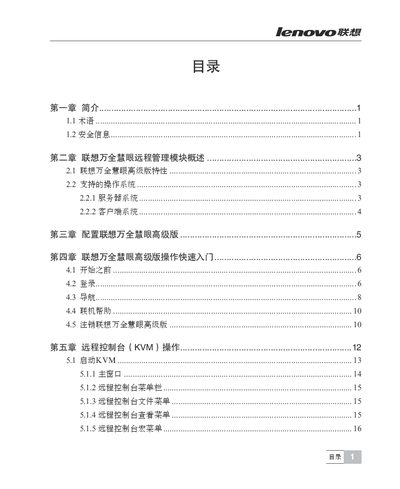
This manual provides system administrators with detailed instructions for installing, configuring, and operating the Lenovo Wan Quan Hui Yan Advanced Edition remote management module. It includes safety information, supported operating systems, network setup, and remote console usage.
The guide also covers web console options, user management, and a FAQ section to help resolve common issues such as login failures and connectivity problems. This manual is written in Chinese.
| Supported Server Operating Systems | Microsoft Windows 2003 Server R2 (SP2), Microsoft Windows 2008 Server, Red Hat Enterprise Linux 5.3, SuSE 10 SP2 |
|---|---|
| Supported Client Operating Systems | Microsoft Windows XP Pro (SP3) with Firefox 3.0.5 or IE 6.0; Microsoft Windows 2008 Server with IE 7.0; Red Hat Enterprise Linux 9.3 with Firefox 3.0.57 JRE V6.0; SuSE 10 SP2 with Firefox 3.0.5 |
| Default IP Configuration | DHCP enabled by default; can be set to static IP via BIOS or IPMI configuration |
Check that the username and password are correct.
Verify that the hardware is powered on and that the network configuration (IP address, router) is correct.