
This manual introduces the basic functions, installation, configuration and use methods of Wanquan Huiyan IV Professional Edition.
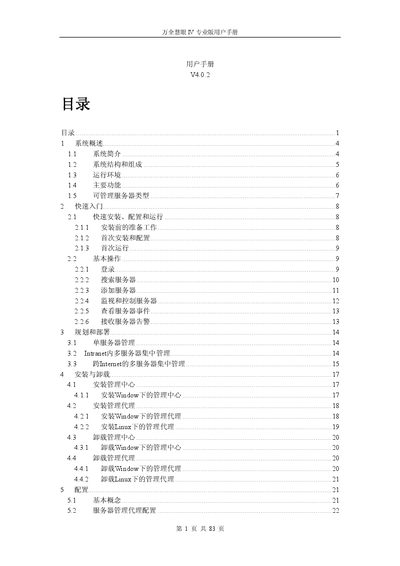
The SureEyes IV Professional User Manual provides a comprehensive guide to Lenovo's server monitoring solution. It describes the system architecture, components, and supported server types, and explains how the BMC‑based out‑of‑band management works.
The manual details installation steps for the management center and agents on Windows and Linux platforms, configuration of BMC, alert settings, user and permission management, and troubleshooting of common issues such as login lockout and browser security settings. This manual is written in Chinese.
| Minimum memory requirement | 412 MB |
|---|---|
| Minimum disk space | 1 GB |
| Supported Windows operating systems | Windows XP Professional, Windows 2003 Server Standard/Enterprise SP1, Windows Server 2008 |
| Supported Linux operating systems | RedHat Enterprise Linux AS4.0/AS5.0 (32/64‑bit), Suse Linux Enterprise Server 10 |
The system locks the account for three minutes, blocking any further login attempts during that period.
Log in, click the admin user name link in the status bar, and modify the password in the dialog that appears.
The managed server must have a BMC chip installed and configured.
If the browser security level is set to high and JavaScript is disabled, the main page may appear blank.