
The Lenovo Education Application Solution is a special application solution designed and developed for public computer room environments such as electronic classrooms and Internet cafes. It includes four major functions: hard disk protection function, CMOS parameter protection function, network transmission function, and network control function. It focuses on solving the problems of how the computer room manager can quickly and conveniently install operating systems, drivers and applications to all computers in the computer room. Software issues, as well as how to quickly clear the previous user's operations, allowing the next user to use the same computer.
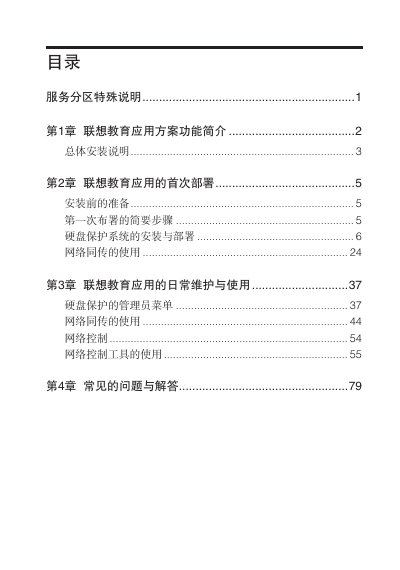
The manual describes the Lenovo Education Application (QT) solution designed for electronic classrooms and internet cafés. It covers four main functions—hard‑disk protection, CMOS parameter protection, network transmission and network control—and explains how administrators can quickly deploy operating systems, drivers and applications to many PCs.
Installation procedures, first‑time deployment, daily maintenance, and a troubleshooting section are detailed. The guide also includes network requirements, partition limits, and notes on unsupported configurations such as dual NICs or dual hard disks. This manual is written in Chinese.
| Maximum supported computers per deployment | 200 |
|---|---|
| Maximum partitions per system | 8 |
| Dual network cards support | Not supported |
| Dual hard disks support | Not supported |
Because software from different vendors may have different specifications that the tool cannot interpret.