
This quick start guide introduces how to use the Philips SA6014/15/24/25/44/45 audio video player.
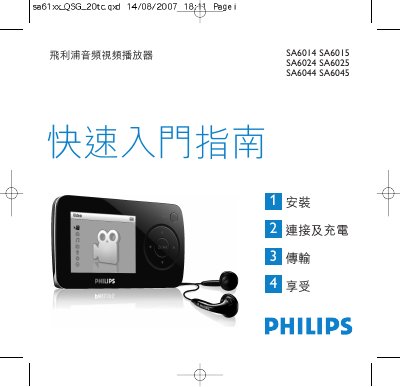
This quick start guide covers installing the included software, connecting and charging the Philips GoGear SA6014/SA6015/SA6024/SA6025/SA6044/SA6045 audio video player, and transferring music, pictures, and videos.
It also explains controls, menu navigation, music playback, FM radio, voice recording, media deletion, troubleshooting, and disposal of old products. This manual is written in Chinese.
| FM radio frequency range | 87.5-108 MHz |
|---|---|
| FM tuning step (Europe/Asia) | 0.05 MHz |
| Preset radio stations | Up to 10 |
| Voice recording file name | VOICEXXX.WAV |
Insert a pin or other sharp object into the reset hole on the bottom of the player, hold until the player turns off, then restart it.
The player can store up to 10 preset stations with the strongest reception.
Voice recordings are saved with file names in the format VOICEXXX.WAV.
The disc installs Windows Media Player, MediaConverter for Philips, and Philips Device Manager.