
This is the user manual for Philips audio player SA1100,SA1102,SA1103,SA1106,SA1110
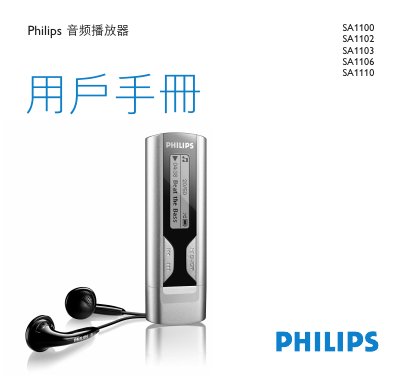
This manual covers the Philips SA1100/SA1102/SA1103/SA1106/SA1110 audio player, including registration, controls, battery installation, USB connection, music transfer, playback controls, recording, settings, troubleshooting and safety information.
It describes menu navigation, playback modes, equalizer settings, folder skipping, firmware management and common error messages with corrective actions. This manual is written in Chinese.
| Supported audio formats | MP3, WMA and WAV |
|---|---|
| Maximum files, recordings and folders | 450 |
| Maximum supported bitrate | 320 kbps |
| Computer connection | USB mass storage device |
Connect the player to a computer, then use drag and drop in Windows Explorer to transfer songs.
The player supports MP3, WMA and WAV files.
The total number of files, recordings and folders on the player is up to 450.
Recordings can only be deleted on a computer by connecting the player, opening the Voice folder and deleting the selected file.