
This is an MP3 player that supports playback of MP3 and WMA music files. It can be charged and files can be transferred via USB connection to a computer.
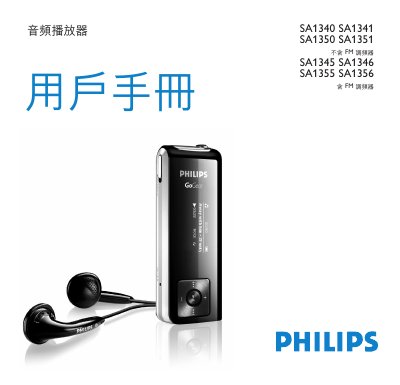
Philips SA1340/SA1341/SA1350/SA1351/SA1345/SA1346/SA1355/SA1356 audio players play MP3 and WMA music, include FM radio on some regional versions, and support voice and FM recording. The manual explains first use, charging, transferring files, music and folder views, radio, recording, custom settings, firmware management, troubleshooting and care.
The players have a rechargeable lithium battery, dual-color OLED display, customizable equalizer, built-in mono microphone, and 512 MB or 1 GB NAND flash storage depending on model. Technical data also lists supported audio formats, frequency response, signal-to-noise ratio, output power, tuner band, headphone and USB connections. This manual is written in Chinese.
| Battery | Rechargeable lithium battery, 280 mAh |
|---|---|
| Display | Dual-color OLED, 128 x 64 pixels |
| Channel separation | 40 dB |
| Equalizer settings | Rock / funk / jazz / classical / hip hop / dance / custom / off |
| Frequency response | 30-18000 Hz |
| Signal-to-noise ratio | >85 dB |
| Output power | 2 x 5 mW (RMS) |
| Supported audio formats | MP3 (8-320 kbps and VBR), WAV, WMA (5-192 kbps) |
| ID3 tag support | Album and title names |
| Microphone | Built-in mono microphone |
| Voice recording format | WAV |
| FM recording format | WAV |
| Storage capacity | SA134x: 512 MB NAND Flash; SA135x: 1 GB NAND Flash |
| Tuner band | FM |
| Headphone connection | 3.5 mm |
Connect it directly to a computer USB port and charge it for 4 hours, or until the battery icon stops flashing.
Use Windows Explorer to drag and drop songs from the computer to the player.
No, only some regional versions of the player include FM radio.
It supports MP3, WAV and WMA audio files.