
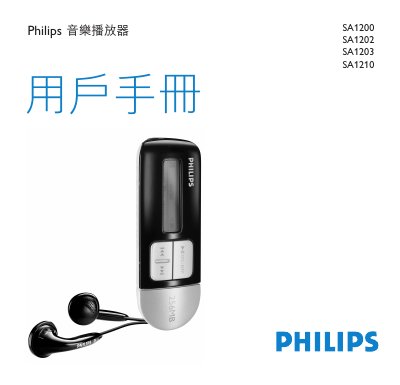
The manual covers Philips SA1200, SA1202, SA1203, and SA1210 flash-based music players. It describes the included accessories (AAA battery, earphones, USB extension cable, CD with drivers), controls, and initial setup including battery installation and software installation from the provided CD or Philips support website.
It explains music transfer via USB drag-and-drop in Windows Explorer, playback modes (normal, shuffle, repeat), equalizer presets, folder navigation, voice recording using the built-in microphone, and how to manage recordings on a computer. Technical specifications list supported audio formats (MP3, WAV, WMA), display resolution, battery type, storage capacities per model, and system requirements for Windows 98 SE through XP. This manual is written in Chinese.
| Power | AAA alkaline battery |
|---|---|
| Display | Monochrome, 32 x 128 pixels |
| Channel separation | 40dB |
| Equalizer settings | Rock / Jazz / Pop / Classical / Off |
| Frequency response | 30-18000Hz |
| Signal-to-noise ratio | >85dB |
| Output power (RMS) | 2 x 5mW |
| Supported audio formats | MP3 (8-320 kbps, VBR), WAV, WMA (5-192kbps) |
| ID3 tag support | Song title and artist name |
| Recording | Built-in microphone, mono |
| Storage media | SA1200: 512MB NAND Flash; SA1202: 256MB NAND Flash; SA1210: 1GB NAND Flash |
| Connectivity | 3.5mm headphone jack, USB 2.0 |
| File transfer method | Drag and drop in Windows Explorer |
| System requirements | Windows 98 SE/Me/2000/XP, Pentium Class MMX 166MHz+, 96MB RAM, 50MB HDD, Internet, IE 5.5+, sound card, USB port |
Connect the player via USB; it appears as a USB mass storage device in Windows Explorer. Select songs and drag them to the player.
Press the REC button to start recording; the player shows recording status. Press REC again to stop and save the recording.
Connect the player to a computer, open the Voice folder in Windows Explorer, select the files, and press Delete on the keyboard.