
This document describes the features and characteristics of Lenovo ThinkSystem XClarity Controller Advanced Edition, as well as how to configure and operate the product. By installing the Lenovo ThinkSystem XClarity Controller Advanced Edition management module, users can remotely access servers and perform server control.
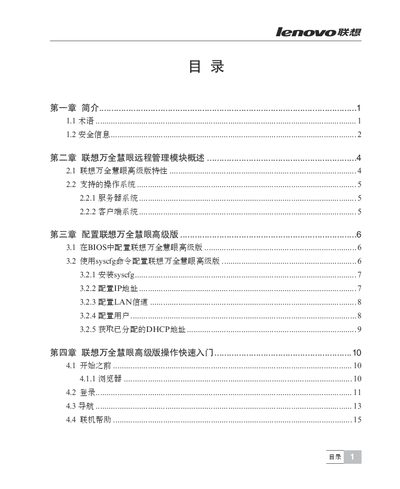
This manual provides detailed instructions for installing and configuring the ThinkServer Insight IV Senior Baseboard Management Controller (BMC). It describes safety precautions, BIOS and sysfs configuration steps, and how to set up network parameters such as DHCP and IPMI.
The document also explains the use of the remote KVM console, web interface, and remote power control functions, including reset, power‑on, power‑off, and power‑cycle operations. Troubleshooting tips and common error handling are included at the end. This manual is written in Chinese.
| USB 2.0 Media Redirection | Supported |
|---|---|
| IPMI Compatibility | V2.0 |
| SSL Support | Enabled |
Use the Remote Control menu to select "Reset Server" which will perform a hard reset of the host.
Select "Power ON Server" in the Remote Control interface to turn the host on.
Wait 10–20 seconds after entering credentials, then retry; if the issue persists, check case sensitivity of the input.