
This document mainly introduces the safety precautions for using Lenovo products, including precautions for using the product, precautions for choosing a working environment, limited warranty/guarantee, declaration, trademark, copyright, hard disk capacity description, password management warning, toxic and harmful substances or element declaration, product energy consumption in different energy saving states, ENERGY STAR information, etc.
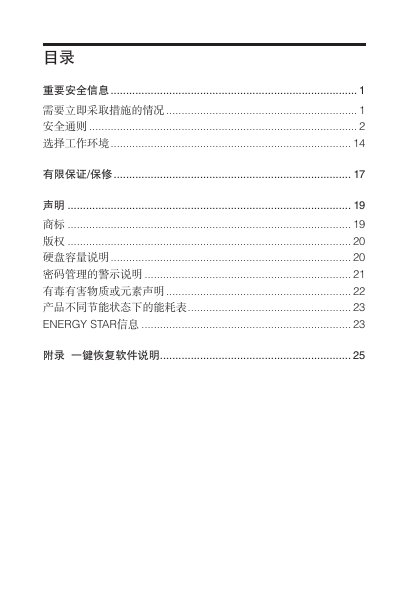
This manual covers important safety information for the Lenovo micro computing machine, including warnings about power, battery, and environmental hazards, as well as guidance on selecting a suitable working environment and handling components safely. It also explains the warranty, trademark, and regulatory statements relevant to the product.
The document details system backup, recovery, and factory reset procedures, describing how to use the One‑Key Recovery software, perform system backups, and restore the operating system safely. It includes instructions for voltage selector switch settings for international use and recommendations for power line and accessory connections. This manual is written in Chinese.
| Operating Temperature Range | 10°C‑35°C |
|---|---|
| Operating Humidity Range | 35%‑80% |
Select the System Backup option in the One‑Key Recovery software, follow the on‑screen prompts, and click “Start” to begin the backup.