
This document is the user guide for Lenovo ThinkSystem IMM Advanced, which provides information on how to install and operate the product, as well as its features and functions.
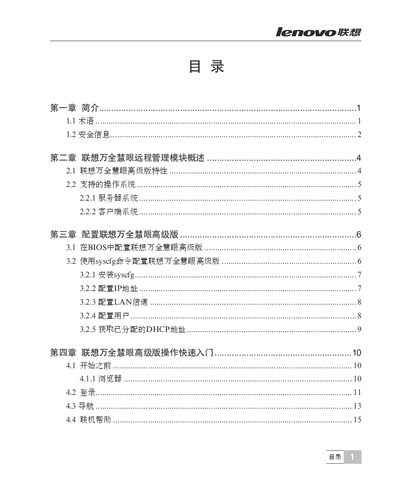
This manual covers safety information, hardware installation, BIOS and sysfs configuration, and detailed steps for setting up the integrated Baseboard Management Controller (BMC) and KVM remote console. It explains how to connect and use the web console, remote control functions, and network settings.
Additional sections describe troubleshooting procedures, remote power operations, and common issues with the management controller, helping administrators maintain and operate the ThinkServer Insight IV Senior efficiently. This manual is written in Japanese.
| Supported IPMI version | V2.0 |
|---|---|
| KVM support | Enabled |
| Web console access | HTTPS |
Use the Remote Control menu and select "Reset Server" to perform a remote reset of the server.
Select "Power ON Server" in the Remote Control interface to turn the server on.
The controller supports IPMI V2.0 and KVM redirection over the network.