
This is a software user guide, which introduces how to install and use the software for Transcend Micro device.
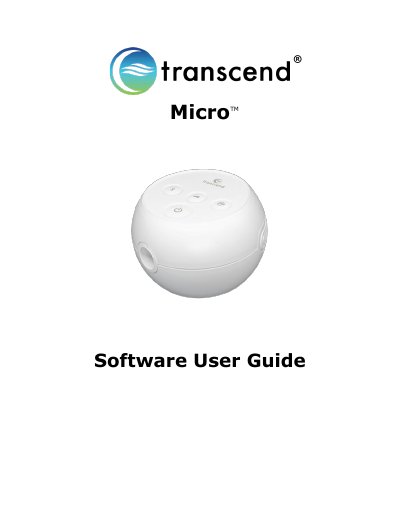
This guide explains how to download, install, and use the Transcend Micro software to adjust device settings, monitor therapy sessions, and export reports. It covers configuration options like ramp pressure and EZEX relief, as well as compliance data such as usage, leak, and pressure summaries. Users can filter data by date, generate reports, and export them as PDFs.
The software requires a USB-C connection to the device and a certified computer. Language and time-of-day settings can be configured on the home screen. Clinician-protected settings like therapy pressure and calibration require a password. Unsaved changes are lost if the device is disconnected from power.
Connect the device to a power source, then use a USB-C data cord to connect it to a certified IEC 60950 or IEC 60601 computer.
Select Export Report, enter your name, address, provider info, and choose a storage location (e.g., Desktop), then click Export Report to save as a PDF.