
This is the user guide for the Sony Ericsson K 550c mobile phone. It introduces the phone's basic functions and usage methods.
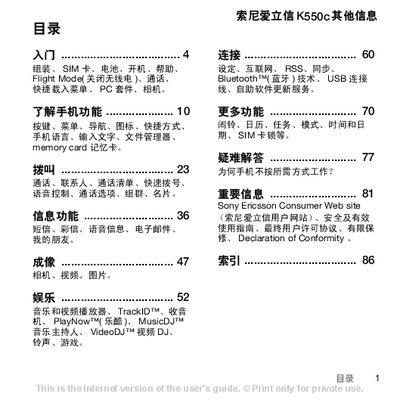
This guide covers everything you need to start using the Sony Ericsson K550c, from inserting the SIM card and battery, charging the device, and navigating the menu, to using the camera, music player, and Bluetooth connectivity.
It also provides detailed instructions for making calls, sending messages, managing contacts, customizing settings, and troubleshooting common issues, with references to the Sony Ericsson support website for additional help. This manual is written in Chinese.
| Network bands | GSM 850/900/1800/1900 |
|---|
Slide the SIM card with the contacts facing down into the slot, then place the battery and close the battery cover.
Connect the charger plug to the phone until the charging icon appears, then wait until the battery is full.
Press and hold the power key; the first startup may take a few minutes.
Select the Flight mode option in the menu to turn off cellular, Bluetooth and FM radio functions.