
This is the instruction manual for Sony DCR-SR30E/SR40E/SR50E/SR60E/SR70E/SR80E Hard Disk Handycam, mainly introduces the camera's usage methods, precautions, etc.
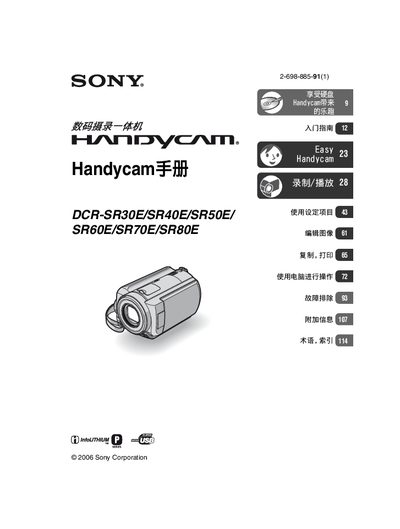
This Sony Handycam manual provides step‑by‑step instructions for using the DCR‑SR30E, DCR‑SR40E, DCR‑SR50E, DCR‑SR60E, DCR‑SR70E and DCR‑SR80E camcorders. It includes safety warnings, battery handling, and guidelines for optimal recording conditions.
The guide also explains how to connect the camcorder to a computer, copy or print images, use the built‑in drop sensor, and perform troubleshooting. Detailed sections cover the LCD screen, Carl Zeiss lens, recording formats, and advanced features such as NightShot plus and visual index navigation.
| Maximum recording time (HQ mode) | 7+ hours on standard models |
|---|---|
| Maximum recording time (extended models) | over 14 hours on DCR‑SR70E/DCR‑SR80E |
| Drop sensor | protects internal hard‑disk from impact |
Make sure the connector is oriented correctly to avoid damaging the terminals or the camcorder.
Copy the images to a computer or burn them to a DVD regularly to prevent data loss.