
VQT1E22 is a SD card reader produced by SONY company. It supports SD and SDHC cards, supports Windows and Mac OS operating systems.
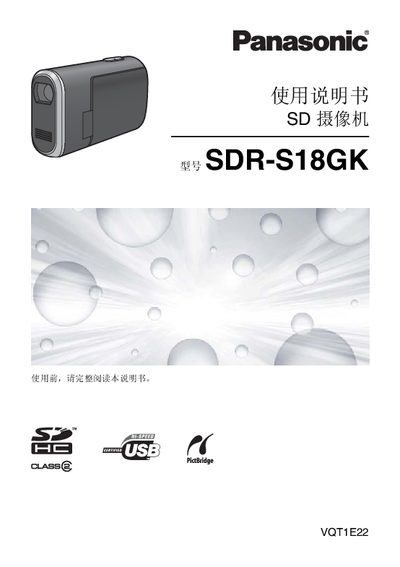
This user manual is for the Panasonic SDR-S18GK camcorder. It explains how to charge the battery, turn the power on and off, and insert or remove an SD card.
It also covers recording motion pictures and still pictures, playing back recorded pictures, connecting the camcorder to a DVD recorder, VCR, printer, or computer, and using the supplied MotionSD STUDIO software. This manual is written in Chinese.
Set the mode dial to OFF and connect the supplied AC adaptor to the camcorder and an AC outlet; the battery cannot be charged while the unit is turned on.
Slide the card/battery door lock to OPEN, open the door, place the label side upward, and press the card straight in as far as it goes.