
This document is the instruction manual for the Panasonic HDC-SD9GK high-definition camera. The camera has high pixels, high clarity, high image quality, high-definition recording, high-definition playback, long recording time, etc., supports AV interface, USB interface, and can be used with HDMI cable to connect to a TV to watch the recording
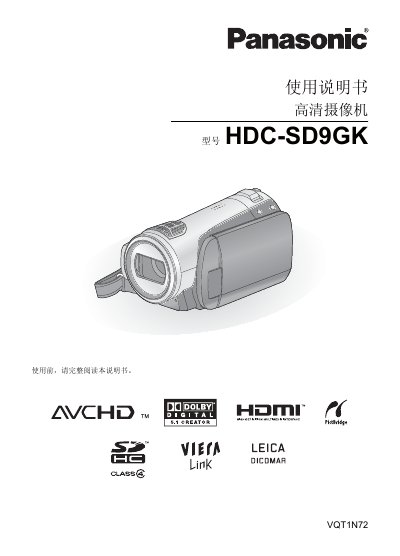
This manual provides step‑by‑step instructions for using the Panasonic HDC‑SD9GK high‑definition camcorder. It covers basic functions such as inserting and removing SD cards, selecting the language, using the help mode, and operating the LCD monitor.
Detailed sections describe how to record motion pictures and still pictures, how to play back recorded media, and how to navigate menus and icons. The guide also lists supported media formats and connection interfaces. This manual is written in Chinese.