
HDC-TM700GK and HDC-HS700GK are portable Blu-ray players with HDMI input/output and HDD produced by Panasonic. HDC-TM700GK is equipped with 32GB memory, and HDC-HS700GK is equipped with 240GB HDD.
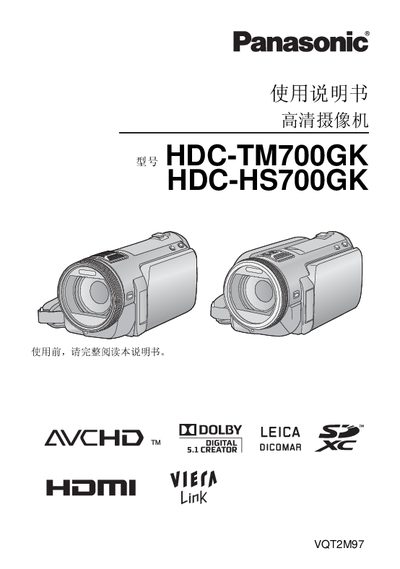
This user manual provides detailed instructions for operating the Panasonic HDC-TM700GK and HDC-HS700GK camcorders. It covers how to turn the device on and off, select recording modes, use the touch screen, and manage media storage including SD cards, built-in memory, and HDD. The manual also explains how to record and playback motion pictures and still images, adjust settings, and connect to external devices via HDMI, USB, and AV outputs. It includes safety and compliance information, including RoHS compliance and material content.
| Model | HDC‑TM700GK / HDC‑HS700GK |
|---|---|
| Storage Options | SD card, built-in memory, HDD |
| Video Resolution | 1080/50p |
| Language Support | English |
To turn on the power, press the power button. To turn off the power, press the power button again. The status indicator lights will turn off when powered down.
Change the mode to video or still picture. Select the menu, then touch the media to record to (SD card, built-in memory, or HDD).
The camcorder supports 1080/50p video resolution.
The camcorder supports English as a language option.