
This manual describes how to use the DMC-GF3 digital camera.
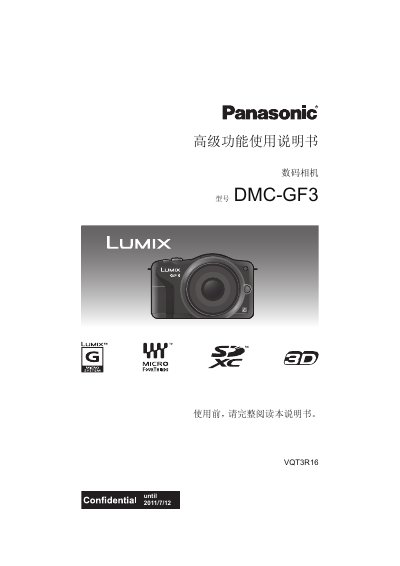
This manual covers everything needed to start using the Panasonic DMC‑GF3 digital camera, from safety precautions and standard accessories to detailed explanations of each button, menu, and shooting mode. It guides you through preparing the camera, attaching lenses, charging the battery, inserting memory cards, and configuring date/time settings.
Later sections describe how to capture still and moving images, adjust exposure, focus, white balance, and creative effects, as well as how to playback, edit, and connect the camera to external devices such as TVs, PCs, and printers. Troubleshooting tips and notes on handling the camera in various environments are also included. This manual is written in Chinese.
| Lens mount | Micro Four Thirds (Micro 4/3) compatible |
|---|---|
| Supported memory cards | SD, SDHC, SDXC |
| HDMI interface | HDMI mini connector (optional) |
| AV output | AV OUT/DIGITAL connector |
Do not subject the camera to strong shock, impact, or pressure, and avoid using it in dusty, wet, or sandy environments.
The camera supports SD, SDHC, and SDXC memory cards.
Yes, the camera is compatible with lenses that follow the Micro Four Thirds (Micro 4/3) mount specification.