
Panasonic TH-P50GT30C plasma TV user manual, introduces the basic connection, identification control position, automatic search, use of program guide (digital channel mode), use of “VIREA Connect”, viewing 3D images and other contents.
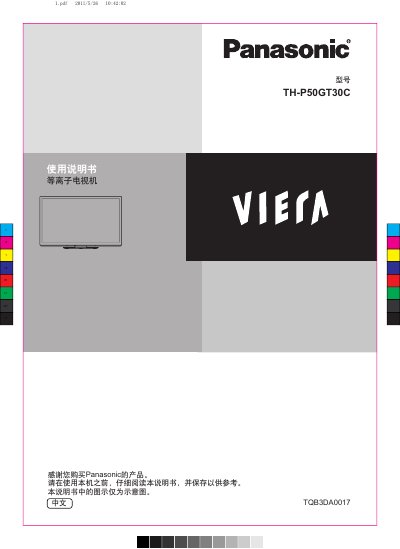
This manual provides safety precautions, installation steps, and operating instructions for the Panasonic TH‑P50GT30C plasma television. It covers handling warnings, proper mounting, remote‑control usage, and system features such as VIERA Link and automatic standby.
Additional sections describe accessory parts, software updates, error‑code troubleshooting, and environmental compliance information. The guide is intended for end‑users and installers to set up and maintain the TV safely and correctly. This manual is written in Chinese.
| EEI | 1.2 |
|---|---|
| Standby Power | 0.40 W |
The TV uses 0.40 W of power when in standby mode.
Connect a compatible DVD player to the TV via the VIERA Link port; the TV will automatically recognize and play the source.