
This document is the operation guide for Sony Corporation's DCR-DVD404E/DVD405E/DVD805E DVD Handycam. It introduces the functions of recording, playback, editing, copying, printing, and using with a computer.
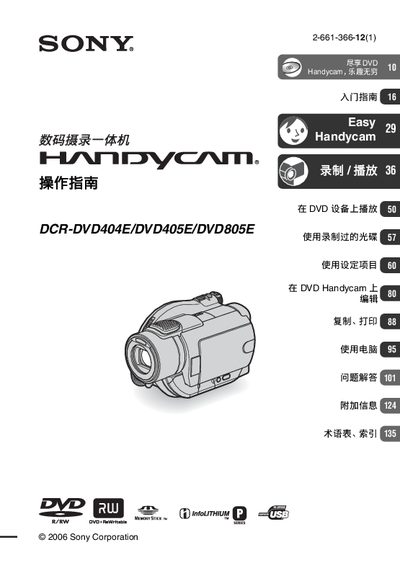
This manual covers the basic operation of the Sony DCR‑DVD404E, DCR‑DVD405E and DCR‑DVD805E Handycam models, including how to insert discs and Memory Stick Duo cards, power the device, and navigate the LCD screen and viewfinder. It also explains recording and playback functions, special features such as 5.1 surround sound, and how to connect the camcorder to external devices.
Additional sections provide detailed guidance on editing, copying, printing still images, using a computer, and troubleshooting common issues. Safety warnings, maintenance tips, and a glossary of terms are included to help users get the most out of their camcorder. This manual is written in Chinese.
| Supported disc formats | 8 cm DVD‑R, DVD‑RW, DVD‑+RW |
|---|
No, the DCR‑DVD404E does not support a computer connection.
The camcorder works with 8 cm DVD‑R, DVD‑RW and DVD‑+RW discs.