
Sony Tablet instruction manual, introduces the tablet computer's power on/off, screen display, battery charging, Wi-Fi, Bluetooth, wireless WAN, GPS, microSD card, USB connection, appearance, maintenance, use, application programs, network, social information reader, backup, troubleshooting and other contents.
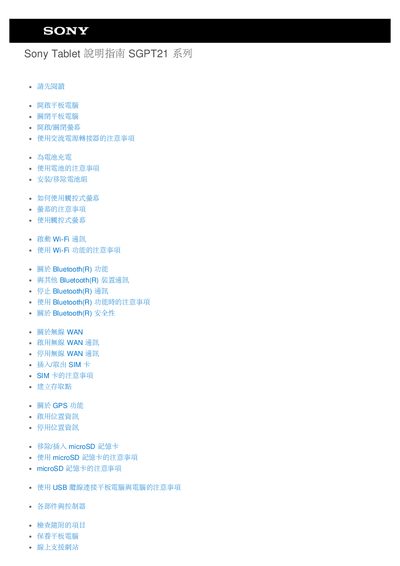
The manual explains how to power the tablet on and off, charge and install the battery pack, and use the AC power adapter safely. It also covers basic operation of the touch screen, Wi‑Fi, Bluetooth, cellular WAN, SIM card, GPS, microSD card and USB connection.
Additional sections describe troubleshooting steps for common issues such as charging indicator problems, display brightness, Bluetooth device detection, GPS positioning, and media playback. Guidance is provided for resetting the device, configuring lock screen settings, and using Google services and Sony applications. This manual is written in Chinese.
Press and hold the power button until the shutdown prompt appears.
Insert the battery pack into the tablet and connect the AC power adapter to an outlet.
Make sure the Wi‑Fi function is turned on and the correct SSID and security settings are configured.
Ensure Bluetooth is turned on; if the device still cannot be found, refer to the troubleshooting section.