
This document is a manual for installing and using the Freecom Blu-ray Rewriter Pro / Blu-ray Combo Pro. The manual provides information on the features and characteristics of the product, as well as compatibility information with your system.
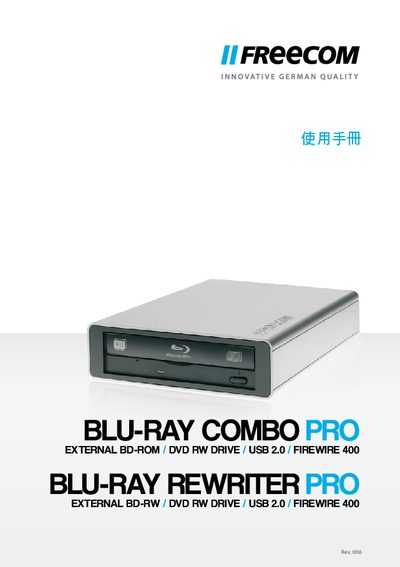
The manual describes the Freecom Blu-ray Rewriter Pro / Blu-ray Combo Pro, an external BD‑ROM / DVD‑RW drive that connects via USB 2.0 or FireWire 400. It lists the supported media types (CD, DVD, Blu‑ray) and provides an overview of the device’s features.
Installation and usage instructions cover system requirements, connection steps, and supported operating systems for both Windows and Mac platforms. The guide also includes technical specifications and troubleshooting tips.
| Supported Media | CD, DVD, Blu‑ray (read/write) |
|---|---|
| Interface | USB 2.0 / FireWire 400 |
| Operating Systems (Windows) | Windows XP, Vista, 7 |
| Operating Systems (Mac) | Mac OS X 10.4.8 |
| CPU Requirement | Intel / AMD CPU 1.6 GHz |
| Memory Requirement | 512 MB RAM (1 GB recommended) |
It works with Windows XP, Vista, and 7, as well as Mac OS X 10.4.8.
The drive can be connected via USB 2.0 or FireWire 400.
A PC with an Intel or AMD CPU around 1.6 GHz, at least 512 MB of RAM, and a USB 2.0 port running Windows XP or later.