
This is a user manual for a Blu-ray recorder. It contains information on getting started, installing application software, using the recorder, and troubleshooting.
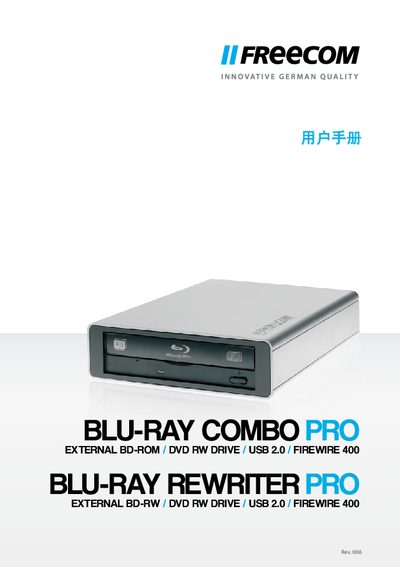
The Freecom Blu-ray Rewriter Pro / Blu-ray Combo Pro is an external optical drive that supports Blu‑ray, DVD, and CD media. It connects to a computer via USB 2.0 (and is backward compatible with USB 1.1) and can be used with Windows or Mac systems.
The manual provides system requirements, supported operating systems, installation steps, and safety information. It lists the media formats the drive can read and write, and includes technical specifications such as CPU speed, RAM, and interface details.
| CPU | Intel/AMD 1.6 GHz |
|---|---|
| RAM (Windows) | 512 MB |
| RAM (Mac) | 256 MB |
| USB Interface | USB 2.0 (also USB 1.1) |
| Supported Windows OS | Windows XP, Vista, 7 |
| Supported Mac OS | Mac OS X 10.4.8 |
| Mac Hardware Compatibility | PowerPC G4/G5, Intel Mac |
The drive connects via USB 2.0 and is also backward compatible with USB 1.1.
It supports BD‑ROM, BD‑RE, BD‑R, DVD‑ROM, DVD+R, DVD+RW, DVD‑RAM, CD‑ROM, CD‑ROM XA, CD‑I, Photo‑CD, Video‑CD, CD‑Extra, CD‑Text, CD‑R, and CD‑RW.