
This manual introduces the use of Lenovo notebook computers, including system configuration, installation steps, and basic operating system usage methods
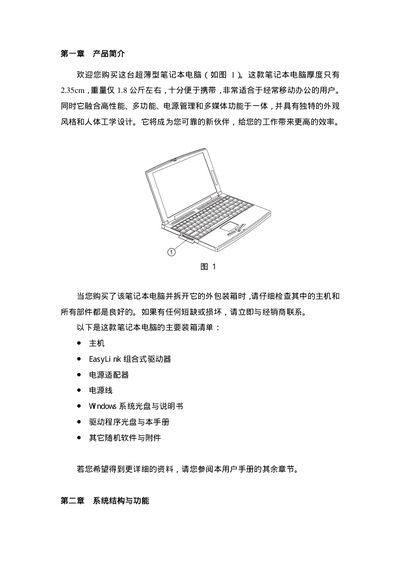
This manual introduces the main components of the Lenovo thin‑type laptop, including the external power adapter, built‑in lithium‑ion battery, 12.1‑inch TFT display, keyboard, touchpad, memory, hard drive, and EasyLink combo drive. It provides step‑by‑step instructions for connecting power, turning the computer on, and using the keyboard and special function keys.
Safety and maintenance guidelines are also included, advising proper handling of the battery, cleaning, and environmental limits. The document ends with troubleshooting tips for hibernation files and power‑management software. This manual is written in Chinese.
| Display size | 12.1 inches |
|---|---|
| Maximum resolution | 800 x 600 |
| Color depth | 16M colors (24‑bit true color) |
| Maximum RAM | 256 MB |
| Hard drive form factor | 2.5‑inch EIDE |
| Battery type | Lithium‑ion |
When the Caps Lock key is active, the corresponding indicator light on the laptop turns on.
Yes, the laptop’s SDRAM can be expanded up to a maximum of 256 MB.