
SWP series display controller is a multi-function instrument, which can measure various temperature, pressure, liquid level, speed, length, etc., and has digital display, analog display, multi-machine communication, cold end compensation and other functions.
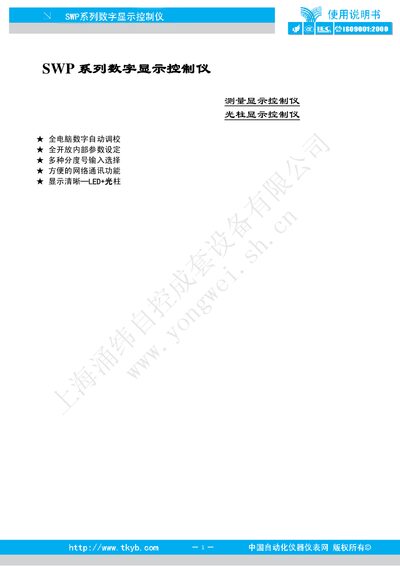
This manual describes the SWP series digital display controllers, covering their main features such as LED and light‑column display, open internal parameter setting, and multi‑device network communication. It explains the supported input signals, sensor compatibility, and detailed technical parameters.
The document also provides step‑by‑step instructions for installation, wiring, parameter configuration, alarm setup, communication settings, calibration, and routine maintenance, along with troubleshooting guidance and FAQ. This manual is written in Chinese.
| Measurement range | -1999 ~ 9999 |
|---|---|
| Measurement accuracy | 0.2%FS ±1 |
| Resolution | 1, 0.1, 0.01, 0.001 |
| Temperature compensation range | 0 ~ 50 °C |
| Communication interfaces | RS‑232C, RS‑485, RS‑422 (2‑, 3‑, 4‑wire) |
| Baud rate | 300 ~ 9600 bps |
| Power supply (standard type) | AC 220 V ±10‑15 % (50 Hz ±2 Hz) |
| Power consumption (linear supply) | ≤5 W |
| Weight (linear supply) | 420 g |
Press the SET key while the PV display shows the measurement value; the instrument shows the AL1 symbol, press SET again to edit the value, adjust with the increase key, and confirm with SET.
The controller supports standard serial two‑wire, three‑wire, or four‑wire interfaces such as RS‑485, RS‑232C, and RS‑422.