
This manual introduces the basic functions and usage methods of ASUS M5200/AS-D792 desktop computer, including hardware installation, system installation, and usage precautions.
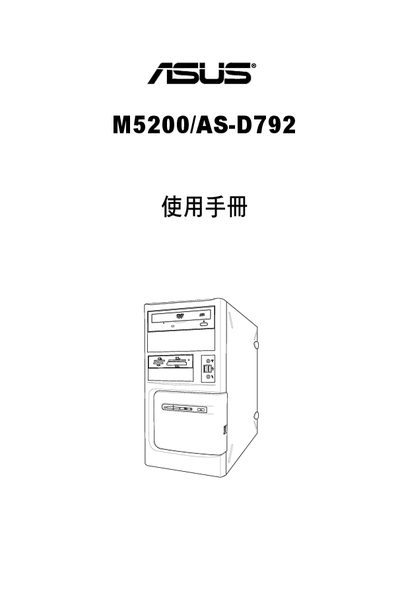
This manual introduces the ASUS M5200/AS-D792 personal computer, covering system overview, hardware components, and basic operation. It explains the packaging contents, front‑panel and rear‑panel functions, and how to connect peripherals.
The guide also details safety precautions, step‑by‑step hardware installation, initial setup, and how to use the Recovery CD to restore Windows Vista. Warranty and disclaimer information are included as well. This manual is written in Chinese.
When the ASUS logo appears, press ESC, insert the Recovery CD, and follow the on‑screen prompts to select the desired recovery option.
Before connecting power, ensure the power supply is set to the local voltage standard and disconnect the power cable when opening or removing components.