
JABRA BT3030 is a Bluetooth headset with charging function and indicator light, which can be paired with a phone for use.
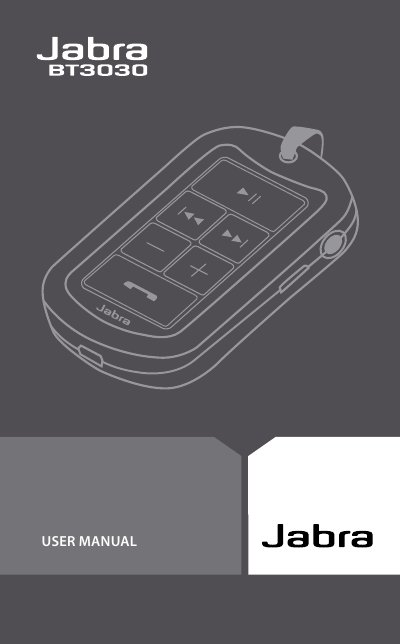
This user manual guides owners of the Jabra BT3030 Bluetooth earphone through all essential functions, from basic controls to advanced features such as multi‑point Bluetooth connectivity and voice dialing. It includes detailed sections on charging, battery status, pairing with phones, wearing options, and audio playback controls.
Additional information covers safety warnings, warranty terms, regulatory certifications, and a glossary of terms. The manual is organized with a clear table of contents, making it easy to locate instructions for troubleshooting, LED indicator meanings, and replacement of the earphone unit. This manual is written in Chinese.
| Call time | 8 hours |
|---|---|
| Standby time | 230 hours |
| Music playback time | 7 hours |
| Weight | < 30 g |
| Operating range | 10 m |
| Bluetooth version | 2.0 + EDR |
| Water resistance | IP22 (short rain resistance) |
Connect the earphone to an AC adapter plugged into a power outlet; the LED indicator shows charging status.
Turn the earphone on; it enters pairing mode with a steady blue LED. Select BT3030 on the phone and confirm with PIN 0000.
Green flashing means charging, steady green means fully charged, yellow shows about 70 % battery, and red indicates low battery.
It can withstand brief rain but is not waterproof and must not be immersed in water.