
This document is the user manual for Philips D908 phone, which mainly introduces the basic functions and operations of the phone, including turning on, turning off, entering PIN code, locking screen, unlocking, sliding screen, quick access to call records, setting scene mode, accessing and setting weather forecast, editing main standby screen layout, making phone calls, changing phone theme, accessing start menu, entering camera mode, adjusting phone volume, answering incoming calls, rejecting incoming calls, ending calls, quickly returning to standby screen and selecting input methods
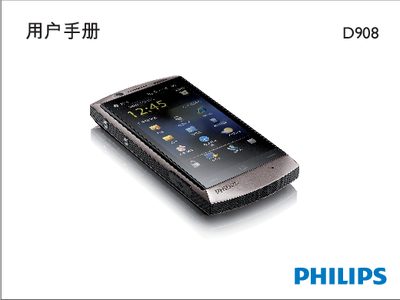
This manual explains how to operate the Philips D908 mobile phone, covering basic functions such as turning the device on and off, entering PIN codes, locking and unlocking the screen, making and receiving calls, and navigating the main standby screens. It also describes how to use the quick‑access buttons, adjust volume, and manage contacts.
Advanced features are detailed, including accessing weather forecasts, customizing themes, using the included handwriting pen (with calibration steps), and understanding hardware indicators such as the charging LED and distance sensor. Power‑saving mode settings and China Telecom specific services are also covered. This manual is written in Chinese.
| Rear Camera Resolution | 5.0 megapixels |
|---|---|
| Front Camera | VGA |
| LED Charging Indicator | Red when charging, blue when fully charged |
| LED Full‑Charge Indicator | Blue when battery is full |
| Distance Sensor | Present near the earpiece |
Press and hold the power key (D) until the device starts.
Press and hold the power key (D) or open the Start menu and select the shutdown option.
Open the Tools menu, select Theme, and choose the desired theme.
Open Settings > System > Screen and follow the on‑screen instructions to calibrate the pen.